Advanced Formatting & Property Filters
Rigorous parameter configurations securely empower operators to structurally rebuild the search results dynamically!
Configuring Custom Fields
Practical Example
Scenario: Tracking composition constraints for 42CrMo4
In the main layout, locate the Open property dialog natively mapped near the edit search framework horizontally mapped on the right-hand panel boundary.
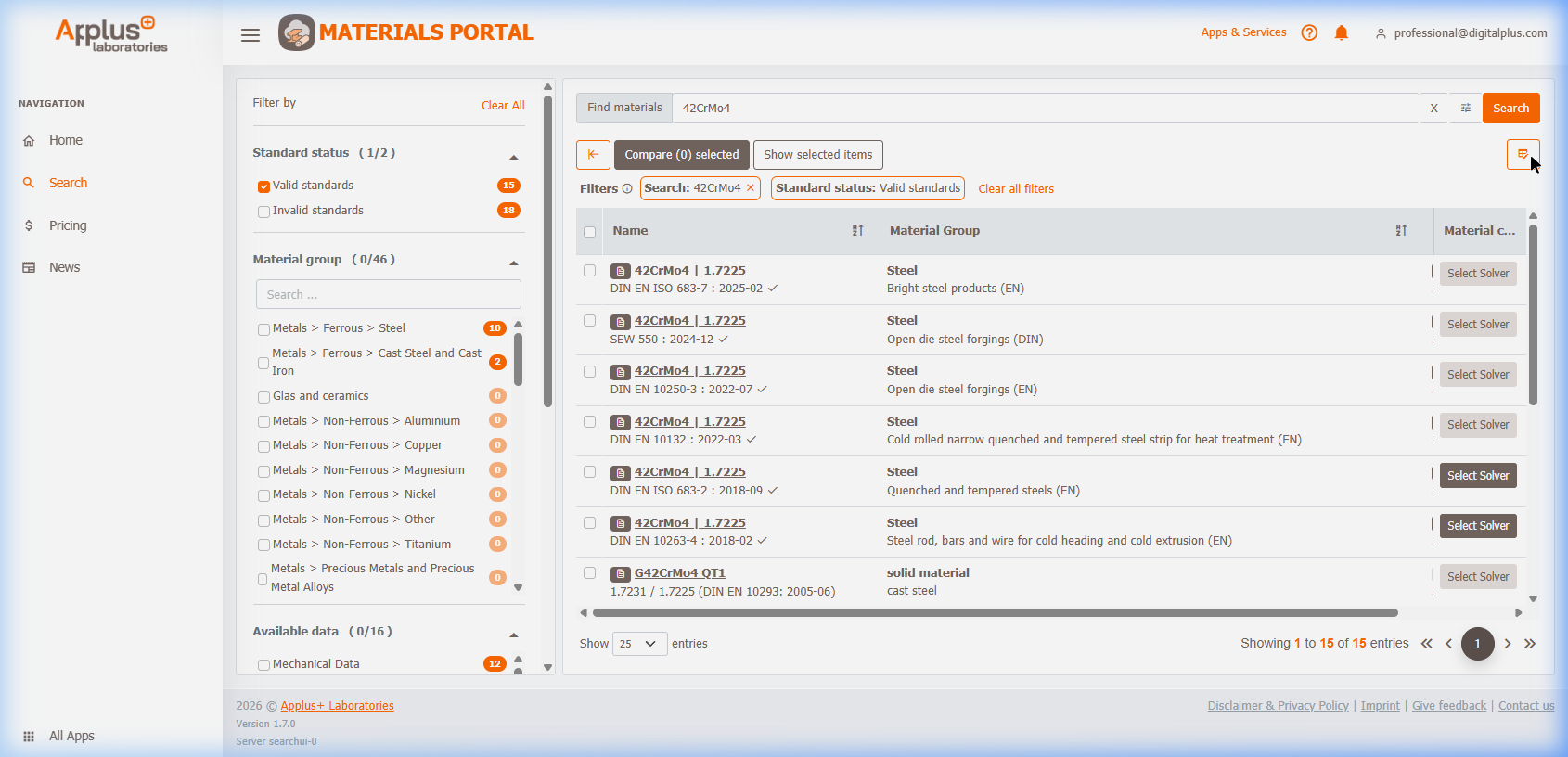
Within the popover architecture:
1. Natively search internal relational parameters structurally mapped like C [%] (Chemical Composition).
2. Explictly toggle specific constraints.
3. Apply structural logic directly mapping exact new dimensional columns successfully rendering onto the results grid.
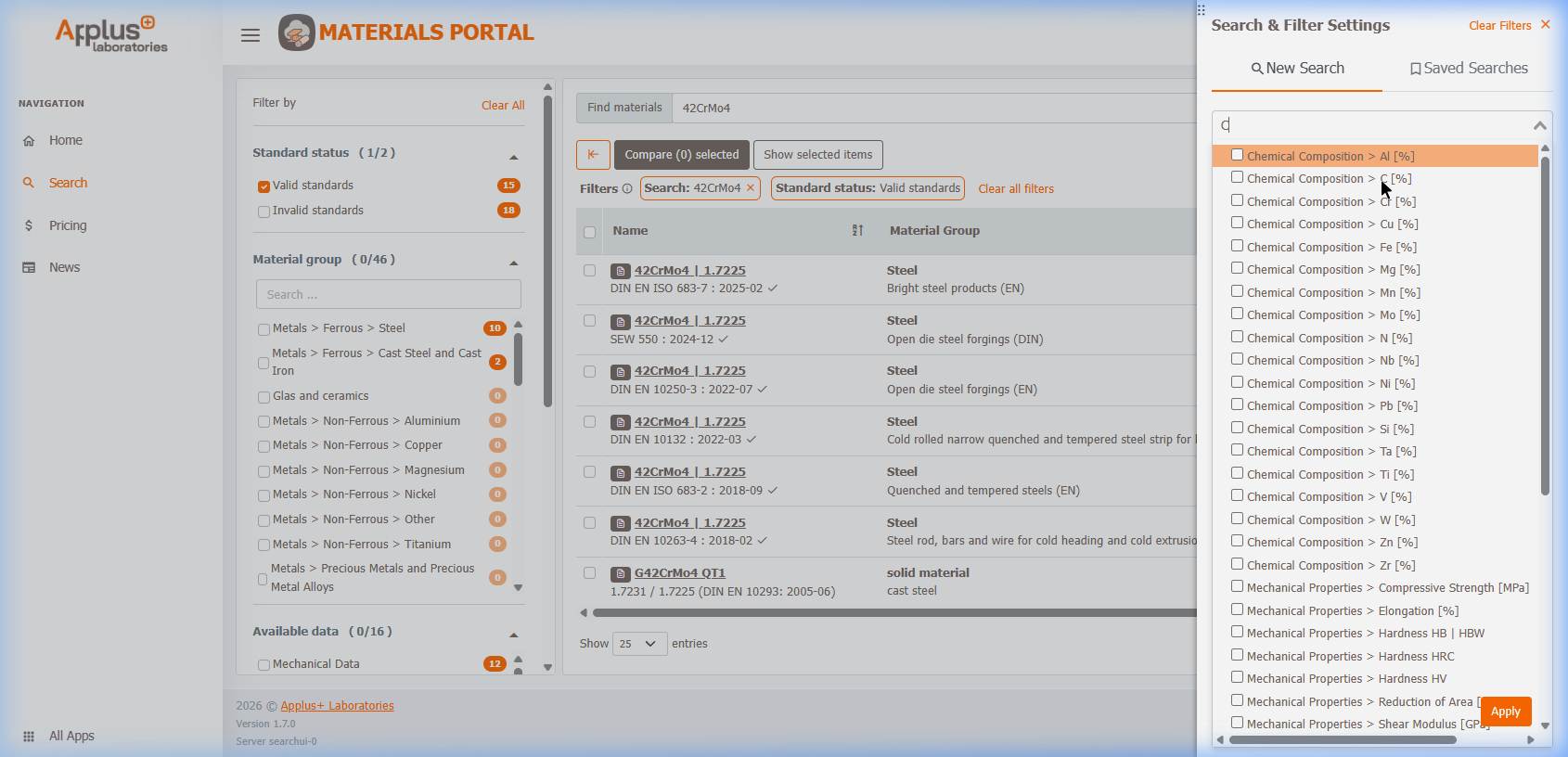
Modifying Live Search Tables
Once the new properties are loaded into the graphical grid, you can directly interact with the results layout: * Selection of desired properties allows direct specification of explicit numerical constraints! * Navigate the table header tools natively deployed on the top column to execute instant value adjustments, structural sorting strings, and complete property removals organically.